- Topic :
- Early game
- Status :
- Confirmed · 5
- Published
- Reading time
- 1 min read
Quick answer: To start well on PS5, turn on Performance Mode at 60 FPS and turn off motion blur.
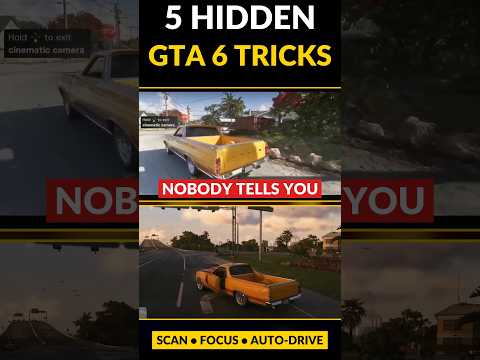
To start well on PS5, turn on Performance Mode at 60 FPS and turn off motion blur. 1. Open the graphics options and choose Performance Mode 60 FPS. 2. Set motion blur to OFF (OR² GAMING suggests level 1). 3. Set aiming sensitivity to +25%. 4. Turn on auto-drive. 5. Keep the minimap and GPS dynamic to find your way more easily. Be aware the dead zone differs: 5% according to AB SOLUTIONS' video, 2 according to OR² GAMING's video. Based on the videos of AB SOLUTIONS and OR² GAMING.
Related:How to Get the Bandana Fast at the Start of GTA VI
Next tip
What are the 17 GTA VI tips to know early?